
Phone app for iOS and Android
Lev HR
Your working day in your pocket. Clock in, see your tasks, book time off, find a colleague, open your files and claim expenses with photos of receipts.
Everything your team needs on the go
Take everyday HR tasks with you, from clocking in and booking leave to submitting expenses and accessing documents.
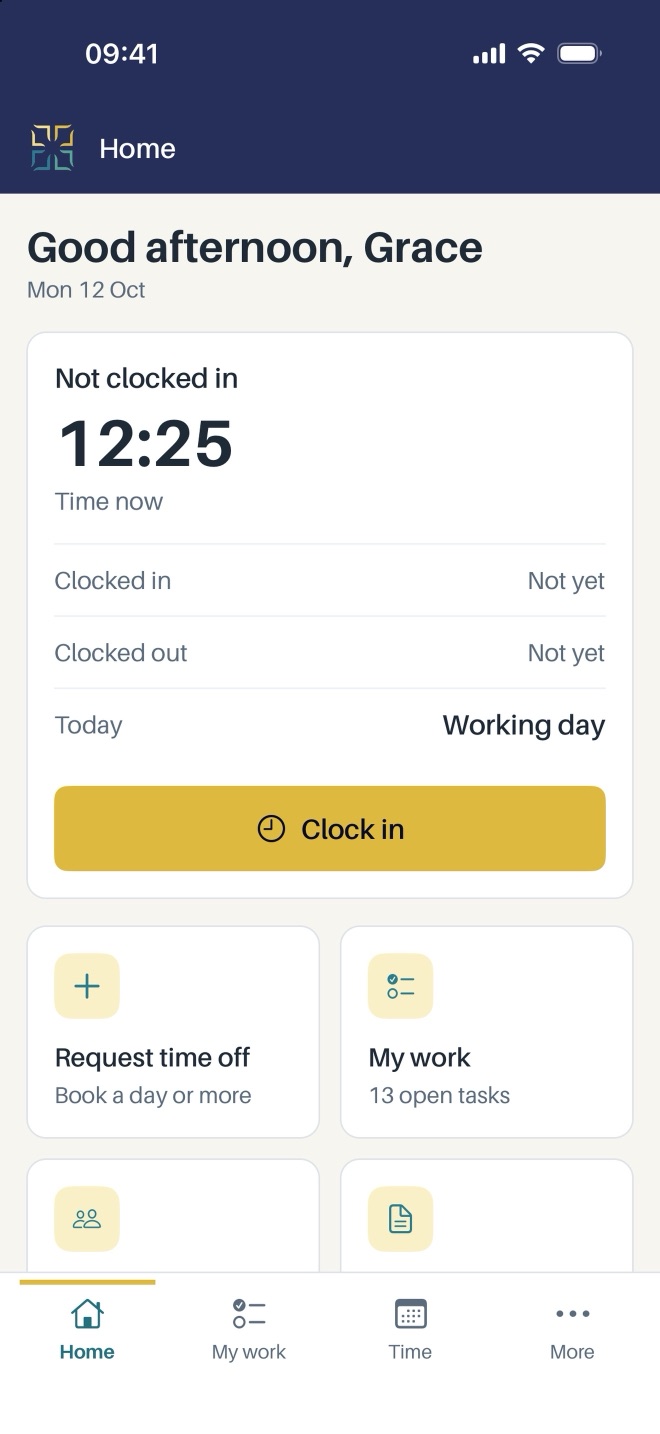
Clock in
Clock in and out with one tap, with breaks. Set an office network rule and staff can only clock in from the office.
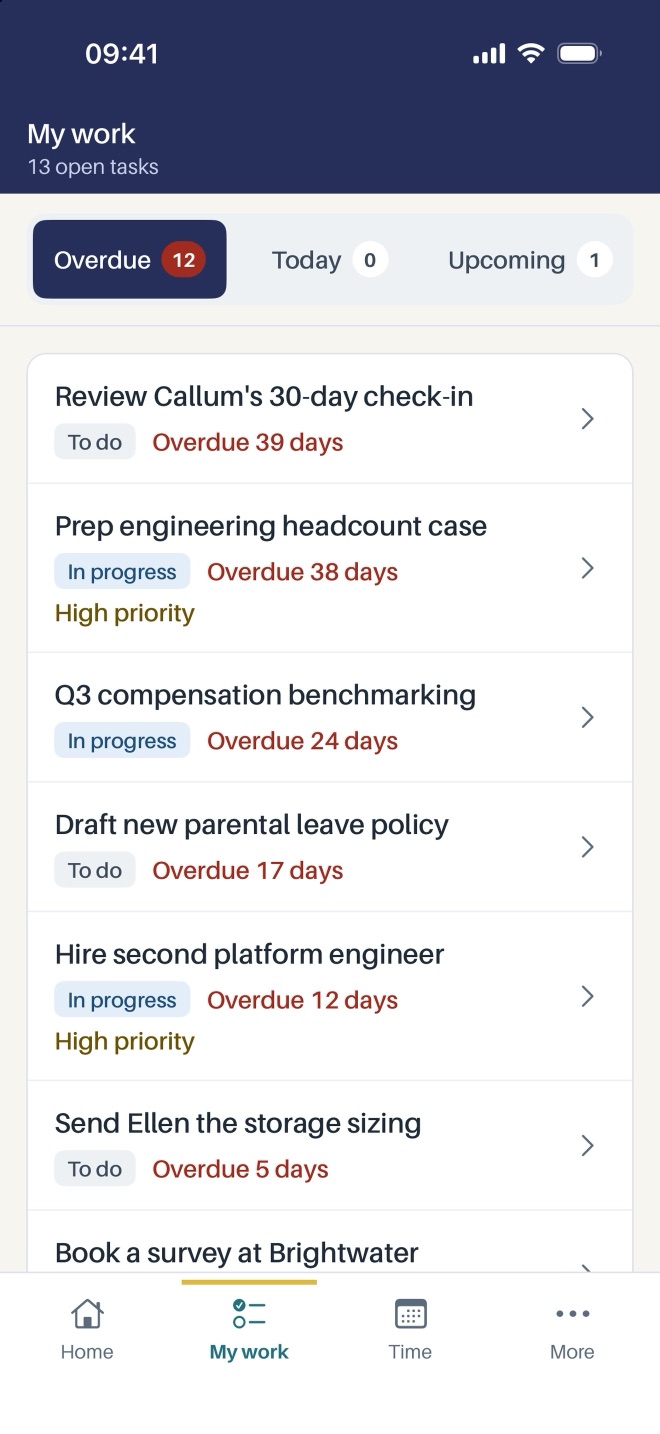
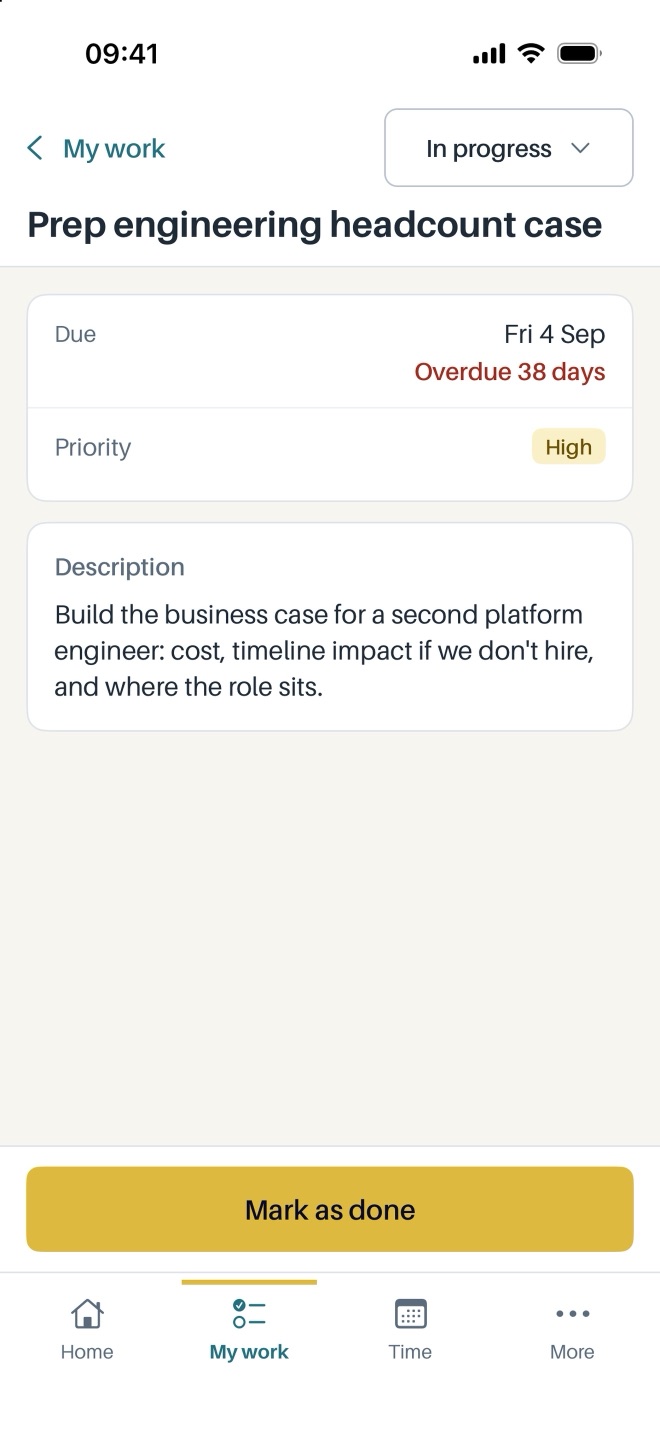
My work
Tasks and projects in one list, with checklists, comments and attachments.
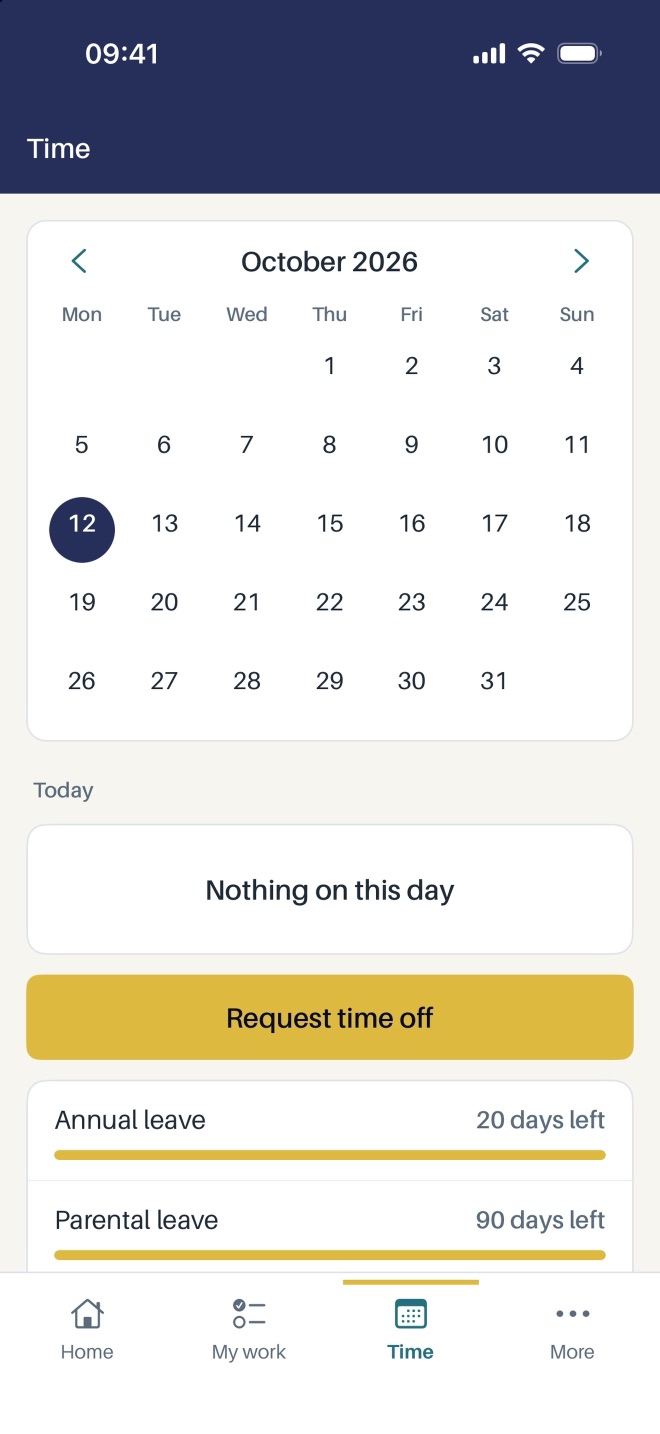
Time off
Book a day or a half day, see what is left of your allowance and check the company calendar.
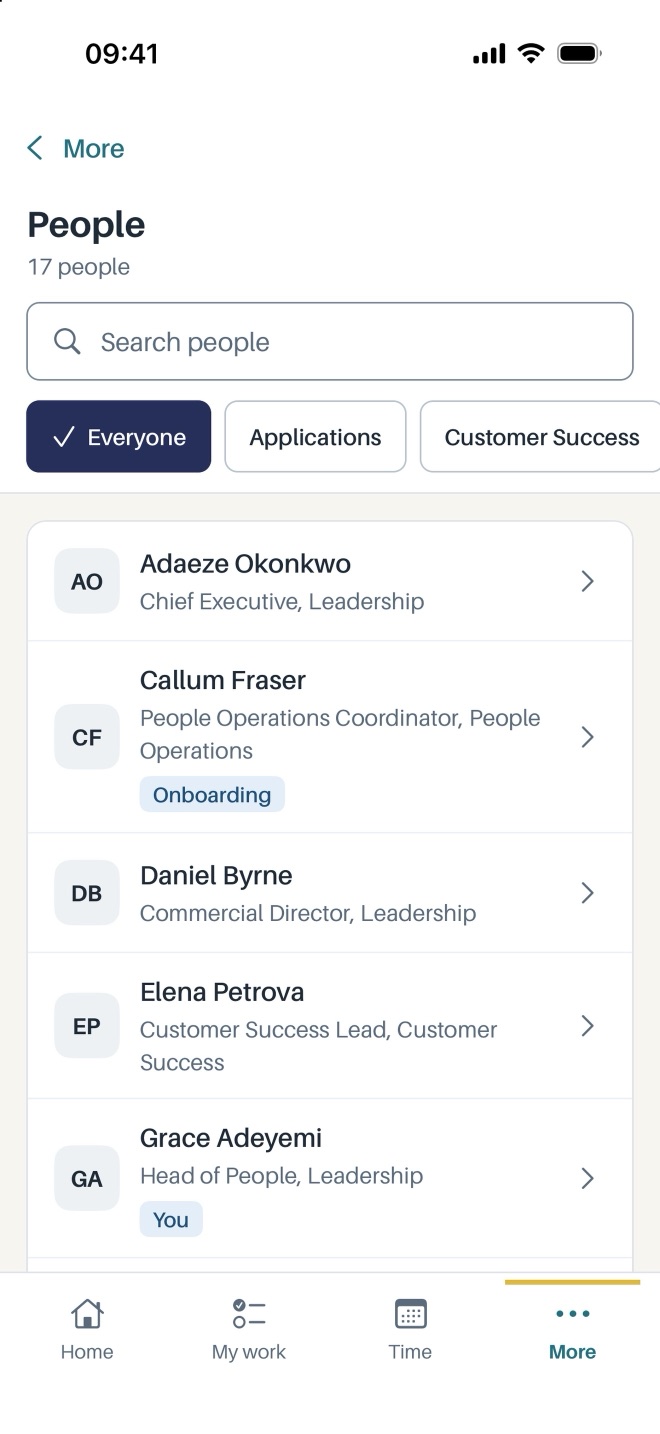
People
Find a colleague and see their team and manager.
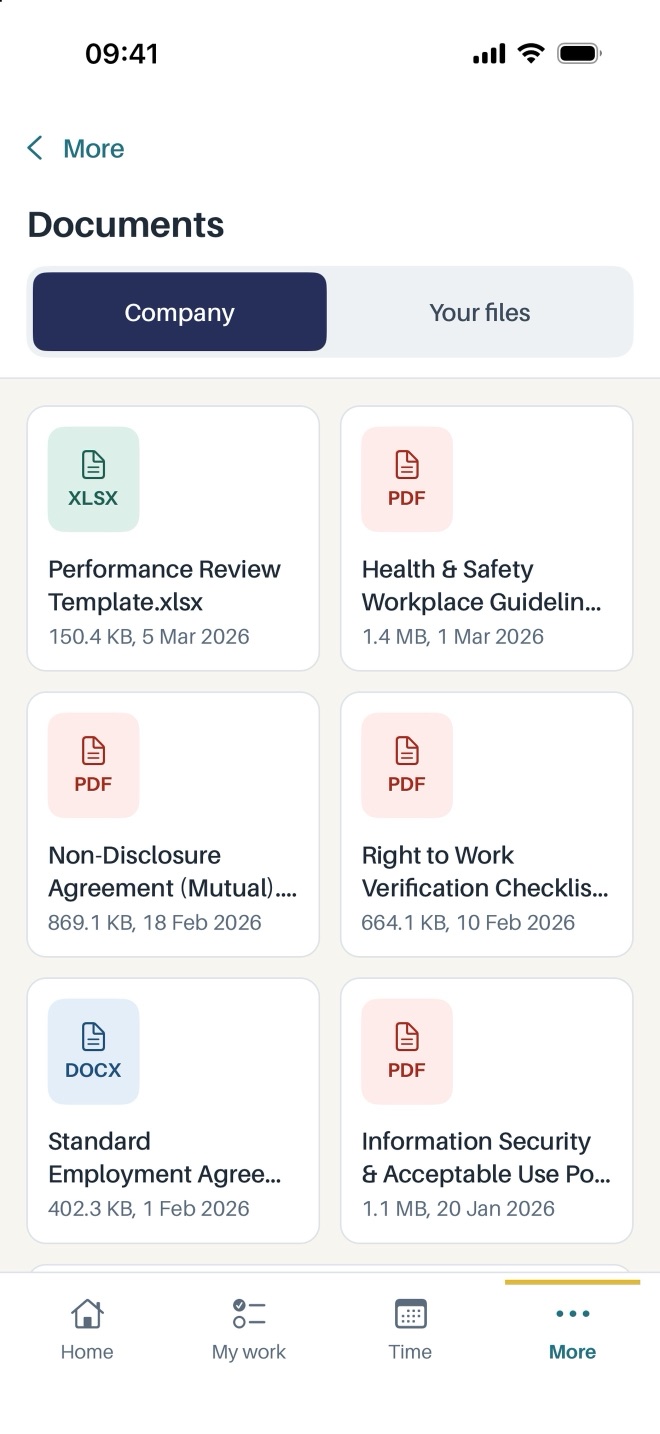
Documents
Open the files shared with you and your own private HR file.
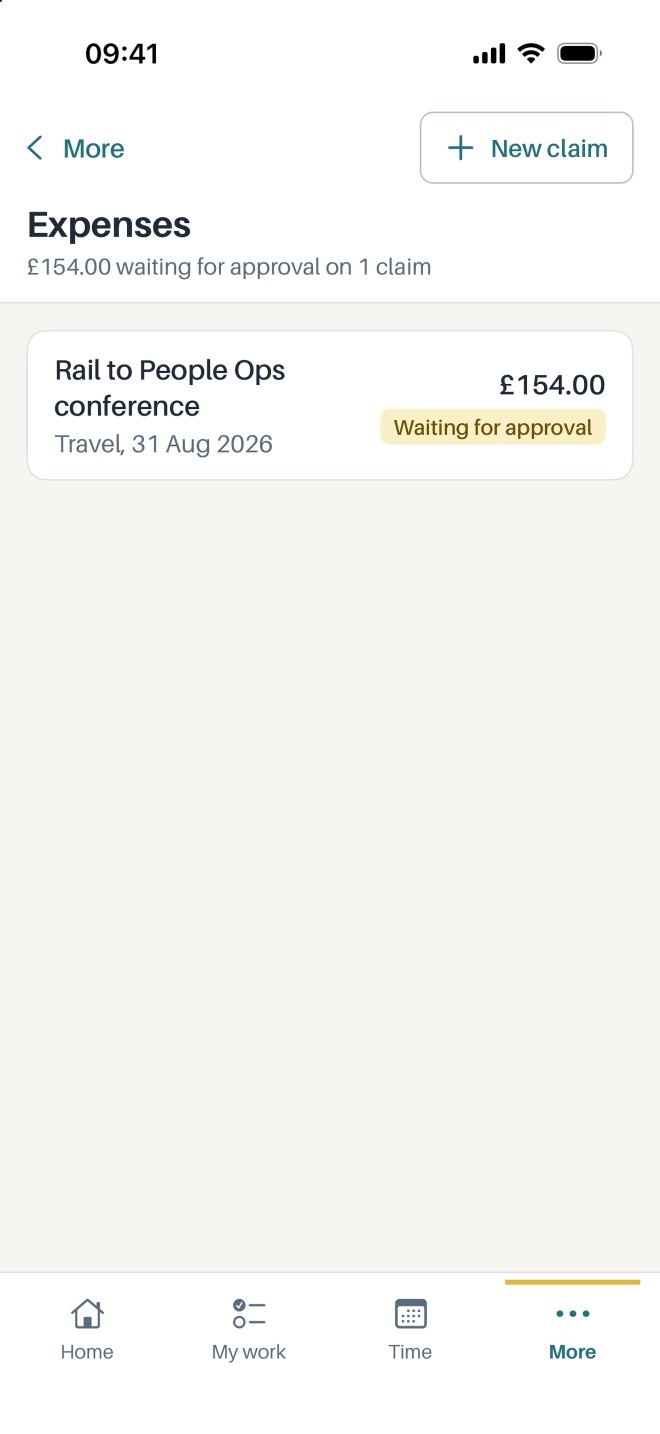
Expenses
Take a photo of the receipt and send the claim for approval, all from your phone.
Sound familiar?
The everyday problems Lev HR is built to fix.
Who is actually in today?
Clock-ins as they happen
Every clock-in and clock-out lands in Lev Workforce straight away.
How many days off have I got left?
Allowance in your pocket
Staff see their own allowance and book time off without asking HR.
I have lost the receipt.
Photo it when you pay
Snap the receipt on the spot and the claim is ready to send.
See it in use
Real screens from Lev HR. Scroll sideways to see them all. Click a screen to enlarge it.
Clock in
My work
A task
Time off
People
Documents
Expenses
Pricing
Use Lev HR on its own, or get the whole of Lev Orbit for less per app.
Lev HR on its own
£X.XX
per user, per month + VAT
Everything in Lev HR, with sign-in and permissions managed in Lev Workforce.
Or get Lev Workforce and all four apps
£4.99 per user, per month + VAT for 1-24 users. Once your team reaches 25 users, every user drops to £3.99 per user, per month + VAT, a 20% saving.
- Lev Workforce (Web Platform)
- Lev HR, Lev CRM, Lev Finance and Lev IMS
- All Features Included
Questions about Lev HR
Anything else, talk to us, or see the main FAQ.
When can I download it?
It is on its way to the App Store and Google Play. Until then, every feature is available in Lev Workforce in your browser.
Do we need a separate login?
No. Everyone signs in with their Lev Workforce login, and the permissions you set there follow them into the app.
Can we stop staff clocking in from home?
Yes. Add your office’s IP addresses in Lev Workforce and staff can only clock in from there. Leave it empty and they can clock in anywhere.
Who can see my personal details?
Only you and your admins.